

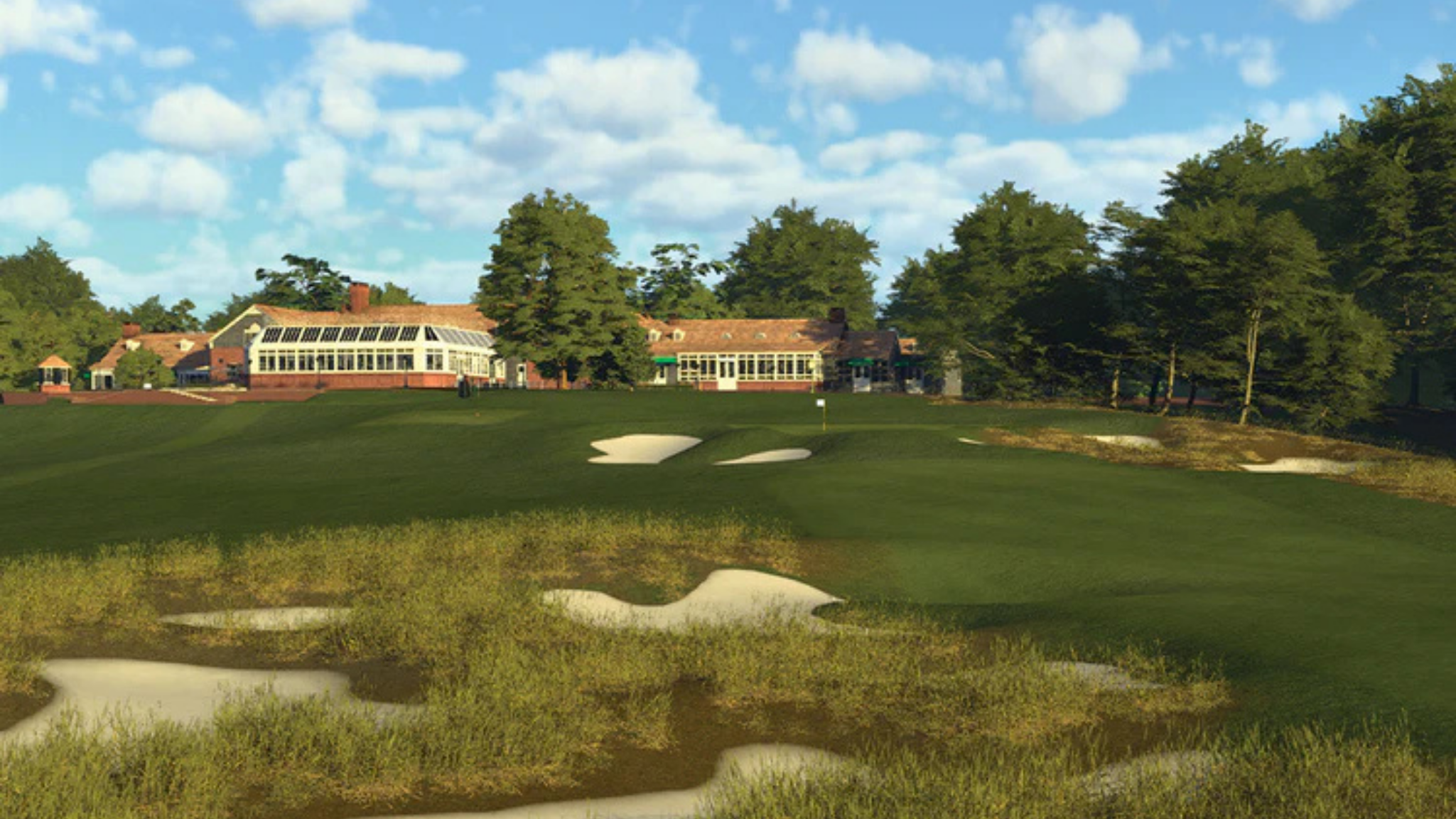
Choosing the right golf simulator software is just as important as choosing the right launch monitor. While your launch monitor captures your swing and ball data, the software determines what you see on screen, how you practice, and the overall experience you'll have every time you step up to hit a shot.
Whether you're building your first home golf simulator or upgrading an existing setup, selecting the right software depends on your goals. Some platforms prioritize realistic course play, others focus on game improvement, and some are designed to work exclusively with specific launch monitors.
In this guide, we'll compare the most popular golf simulator software available today, including GSPro, E6 Software (E6 Connect & E6 Golf 26), Awesome Golf, Trackman Performance Studio (TPS), and Foresight Sports' FSX Play, so you can choose the platform that's right for your simulator.
Quick Comparison
| Software | Best For | Compatible With | PC Required |
|---|---|---|---|
| GSPro | Realistic home golf simulators | Many third-party launch monitors | Yes |
| E6 Software | Home & commercial simulators | Wide variety of launch monitors | Yes (PC), Smart Device |
| Awesome Golf | Practice, beginners & families | Select launch monitors | PC or iPad |
| Trackman Performance Studio | Trackman launch monitors | Trackman only | Yes |
| FSX Play | Foresight Sports & Bushnell users | Foresight ecosystem | Yes |
What Is Golf Simulator Software?
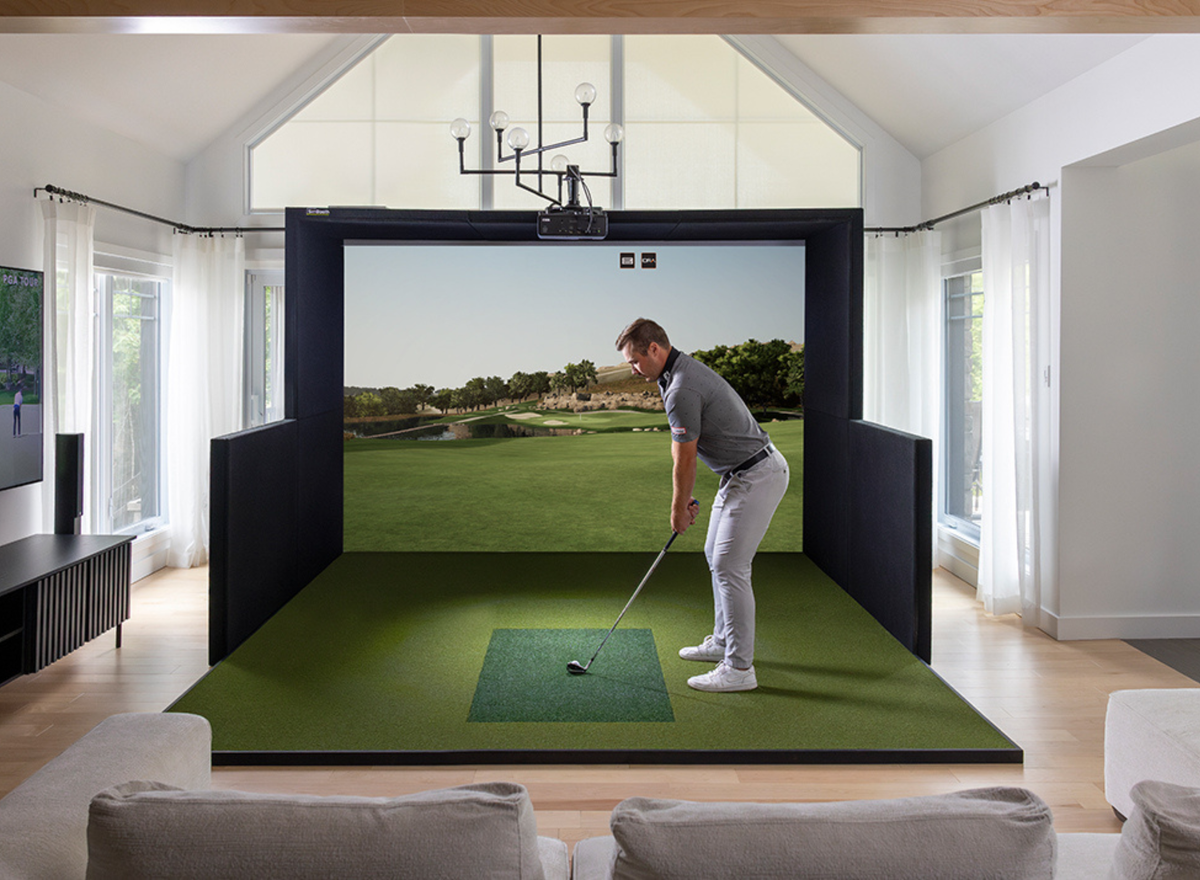
Golf simulator software transforms the data captured by your launch monitor into a fully interactive golf experience.
Depending on the platform, you can:
- Play world-famous golf courses
- Practice on virtual driving ranges
- Analyze ball and club data
- Compete online
- Complete skills challenges
- Improve your swing with advanced analytics
- Play games with family and friends
While many software platforms offer similar core features, each has its own strengths when it comes to graphics, gameplay, compatibility, and practice tools.
GSPro
Best For: Golfers Looking for the Most Realistic Home Simulator Experience
GSPro has become one of the most popular golf simulator software platforms thanks to its realistic graphics, outstanding ball physics, and enormous community-created course library.
For golfers who want the closest experience to playing real golf, GSPro is widely considered one of the top choices.
Pros
- Exceptional graphics
- Realistic ball physics
- Thousands of community-created courses
- Online tournaments
- Frequent updates
- Excellent value
Cons
- Requires a gaming PC
- Annual subscription ($250 USD/annually)
- No mobile version
Best For
Golfers building a dedicated home simulator who want realism and an extensive selection of courses.
E6 Software
One Platform, Two Experiences
Developed by TruGolf, E6 Software has been one of the leading names in golf simulation for years.
Today, the E6 ecosystem includes both E6 Connect and the newer E6 Golf 26. While they share the same foundation, they're designed for different users and stages of the platform's evolution.
Many launch monitors include an E6 license, making it one of the most widely available software options on the market.
E6 Connect
Best For: Existing Users & Bundled Launch Monitor Packages
E6 Connect has been a staple of the golf simulator industry for years and remains a popular choice among home golfers and teaching professionals.
Many launch monitors include E6 Connect as part of their software package, making it an excellent starting point for new simulator owners.
Pros
- Easy to use
- Excellent practice modes
- Licensed golf courses
- Online multiplayer
- Broad launch monitor compatibility
- Frequently bundled with launch monitors
Cons
- Older platform
- Future feature development is shifting toward E6 Golf 26
Best For
Golfers who receive E6 Connect with their launch monitor or want a proven simulator platform with a familiar interface.
E6 Golf 26
Best For: Golfers Looking for TruGolf's Latest Software Experience
E6 Golf 26 represents the next generation of TruGolf's simulator software.
Built on a more modern platform, it introduces updated graphics, improved gameplay, enhanced online features, and ongoing development aimed at both residential and commercial simulators.
Pros
- Updated graphics
- Improved gameplay
- Enhanced online play
- Modern user interface
- Active development
- Growing feature set
Cons
- Newer platform with evolving content
- Some users may transition gradually from E6 Connect
Best For
Golfers purchasing a new simulator who want TruGolf's newest software platform.
E6 Connect vs E6 Golf 26
| Feature | E6 Connect | E6 Golf 26 |
| Graphics | Excellent | Improved |
| User Interface | Familiar | Modernized |
| Practice Features | Excellent | Expanded |
| Multiplayer | Yes | Enhanced |
| Course Library | Large | Growing |
| Future Updates | Limited | Active development |
| Best For | Existing users | New simulator owners |
If you're buying a new golf simulator, it's worth asking which version of E6 software is included with your launch monitor or package.
Awesome Golf
Best For: Practice, Families & Beginners
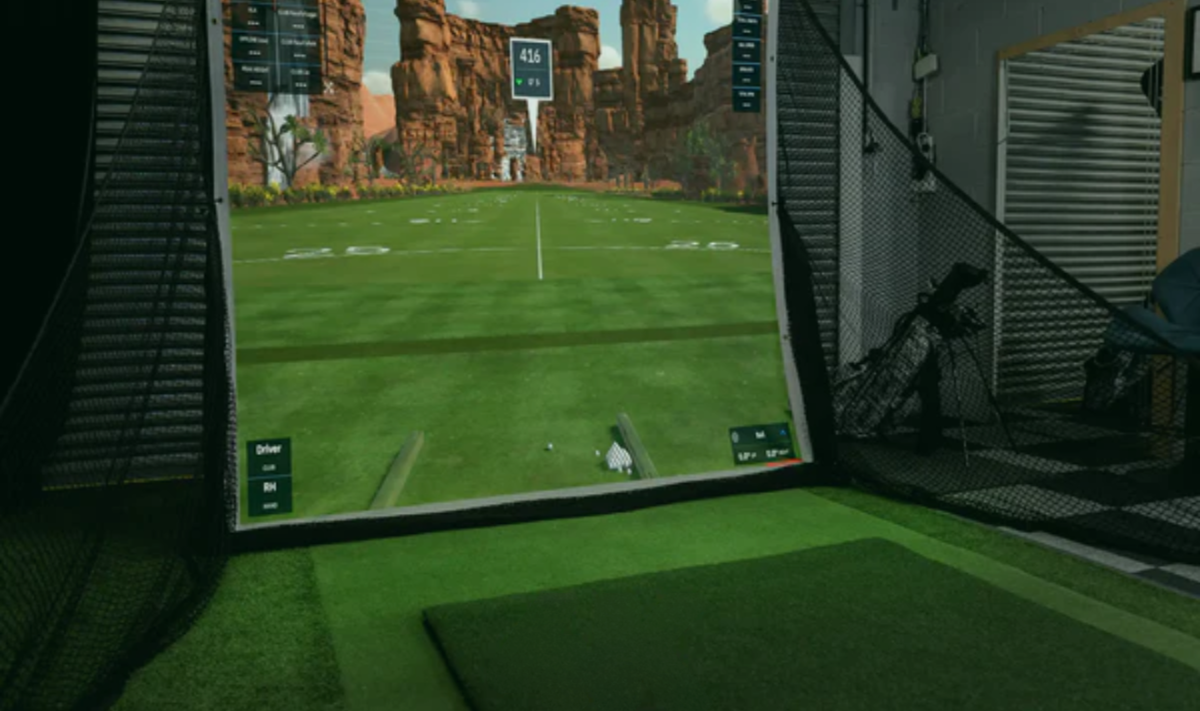
Awesome Golf focuses on making practice engaging and enjoyable.
Instead of emphasizing championship courses, it features entertaining games, skills challenges, and one of the best virtual driving range experiences available.
Pros
- Easy to learn
- Fun practice games
- Excellent driving range
- Family-friendly
- Lower PC requirements
Cons
- Limited full-course play
- Less emphasis on realism
Best For
Families, beginners, junior golfers, and anyone who enjoys interactive practice sessions.
Trackman Performance Studio (TPS)
Best For: Trackman Launch Monitor Owners
Trackman Performance Studio is designed specifically for Trackman launch monitors and provides one of the most complete simulator experiences available.
Its advanced practice tools, professional-level analysis, and premium course play make it a favourite among instructors and competitive golfers.
Pros
- Outstanding shot analysis
- Premium graphics
- Excellent practice environment
- Professional-level data integration
Cons
- Exclusive to Trackman launch monitors
- Premium investment
FSX Play
Best For: Foresight Sports & Bushnell Launch Pro Users
FSX Play is Foresight Sports' latest software platform, delivering realistic graphics, premium course play, and detailed performance analysis.
It integrates seamlessly with launch monitors such as the GC3, GCQuad, Falcon, and Bushnell Launch Pro.
Pros
- Excellent graphics
- Detailed shot analysis
- Great course library
- Strong integration with Foresight hardware
Cons
- Designed primarily for the Foresight ecosystem
- Requires a gaming PC
Which Golf Simulator Software Works With My Launch Monitor?
Many golfers are surprised to learn that one launch monitor can often work with multiple software platforms.
While compatibility varies by manufacturer and licensing, here's a general comparison.
| Launch Monitor | GSPro | E6 Connect | E6 Golf 26 | Awesome Golf | FSX Play | Trackman TPS |
| Garmin Approach R10/R50 | ✓ | ✓ | ✓ | ✓ | ✗ | ✗ |
| IDRA II | ✓ | ✓ | ✓ | ✗ | ✗ | ✗ |
| Bushnell Launch Pro | ✓ | ✓ | ✓ | ✓ | ✓ | ✗ |
| Uneekor | ✓ | ✓ | ✓ | ✗ | ✗ | ✗ |
| VTrack | ✓ | ✓ | ✓ | ✗ | ✗ | ✗ |
| SkyTrak | ✗ | ✗ | ✗ | ✗ | Package | Package |
| ProTee VX | ✓ | ✓ | ✓ | ✗ | ✗ | ✗ |
| Trackman iO | ✗ | ✗ | ✗ | ✗ | ✗ | ✓ |
Note: Software compatibility and licensing can change over time. This is as of July 2026.
Which Software Has the Best Graphics?
If graphics are your priority:
- GSPro is widely regarded as one of the most realistic simulator experiences available.
- FSX Play delivers stunning visuals optimized for Foresight launch monitors.
- E6 Golf 26 features updated graphics and a modern presentation.
- Trackman Performance Studio provides premium visuals paired with advanced data.
- Awesome Golf prioritizes smooth performance and engaging gameplay over photorealism.
Which Golf Simulator Software Is Right for You?
Choose GSPro if:
✔ You want the most realistic home golf simulator experience.
✔ You enjoy playing a huge variety of courses.
✔ You already own a gaming PC.
Choose E6 Software if:
✔ You want an all-around simulator platform.
✔ Your launch monitor includes an E6 license.
✔ You value broad launch monitor compatibility.
Choose Awesome Golf if:
✔ Your focus is practice and family entertainment.
✔ You're a beginner or improving golfer.
Choose Trackman Performance Studio if:
✔ You own a Trackman launch monitor.
✔ You want professional-level practice and data analysis.
Choose FSX Play if:
✔ You own a Foresight Sports or Bushnell Launch Pro launch monitor.
✔ You want a premium simulator experience built specifically for your hardware.
Frequently Asked Questions
What is the best golf simulator software?
The best software depends on your goals. GSPro is known for realism, E6 Software offers excellent versatility, Awesome Golf makes practice fun, Trackman Performance Studio is ideal for Trackman users, and FSX Play is optimized for Foresight Sports launch monitors.
Can I use more than one golf simulator software?
In many cases, yes. Many launch monitors support multiple software platforms, although compatibility and licensing vary.
Is E6 Connect different from E6 Golf 26?
Yes. Both are part of the E6 Software family developed by TruGolf. E6 Connect is the long-established platform used by many golfers today, while E6 Golf 26 is the newer generation with updated graphics, enhanced features, and ongoing development.
Do I need a gaming PC?
Most premium golf simulator software performs best on a dedicated gaming PC, especially if you plan to play in high resolutions or use advanced graphics settings.
Final Thoughts
There isn't one golf simulator software that's perfect for everyone.
If realism is your top priority, GSPro is an outstanding choice. If you want a versatile platform with broad launch monitor support, E6 Software remains one of the industry's leading options. Awesome Golf excels at making practice fun, while Trackman Performance Studio and FSX Play provide exceptional experiences for golfers invested in their respective hardware ecosystems.
Still not sure which software is right for your simulator? Our team can help you compare software options, explain compatibility with your launch monitor, and recommend a complete golf simulator package tailored to your space, budget, and goals.

Share:
Camera vs Radar Launch Monitors: Which Golf Launch Monitor Is Right for You? (2026 Guide)
Golf Simulator Projector Guide: How to Choose the Right Projector for Your Setup (2026)