

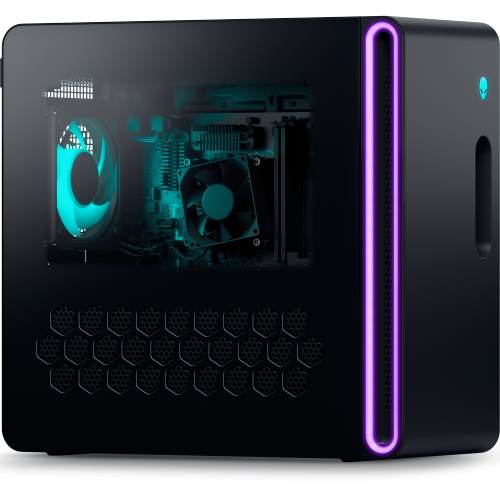
If you are building a golf simulator, one of the most common questions is whether you need a dedicated gaming PC. The short answer is no, not always. But for many of the best simulator experiences available today, the practical answer is yes.
That is where a lot of buyers get stuck. Some assume any laptop will do. Others think they need the most expensive gaming tower possible just to get started. In reality, the right answer depends on your launch monitor, the software you want to run, the visuals you expect, and whether you want room to upgrade later.
For some setups, a tablet, iPad, or lighter computer can be enough. For others, especially if you want premium simulator software, smoother graphics, and a more immersive setup, a proper Windows gaming PC becomes the smarter choice.
At PinPoint Golf Sims, we always come back to the same planning order: space, goals, software, and then hardware. That is the best way to avoid overspending on the wrong computer or underbuying and regretting it later.
The Short Answer: Sometimes Yes, But Not Always
Not every golf simulator needs a gaming PC. But many serious home simulator setups do.
When You Probably Do Need A Gaming PC
If your goal is full simulator play with higher-end software, better graphics, and a more polished home setup, a gaming PC is usually the safest path. This is especially true if you want smoother course play, strong visual quality, and a system that feels responsive over time.
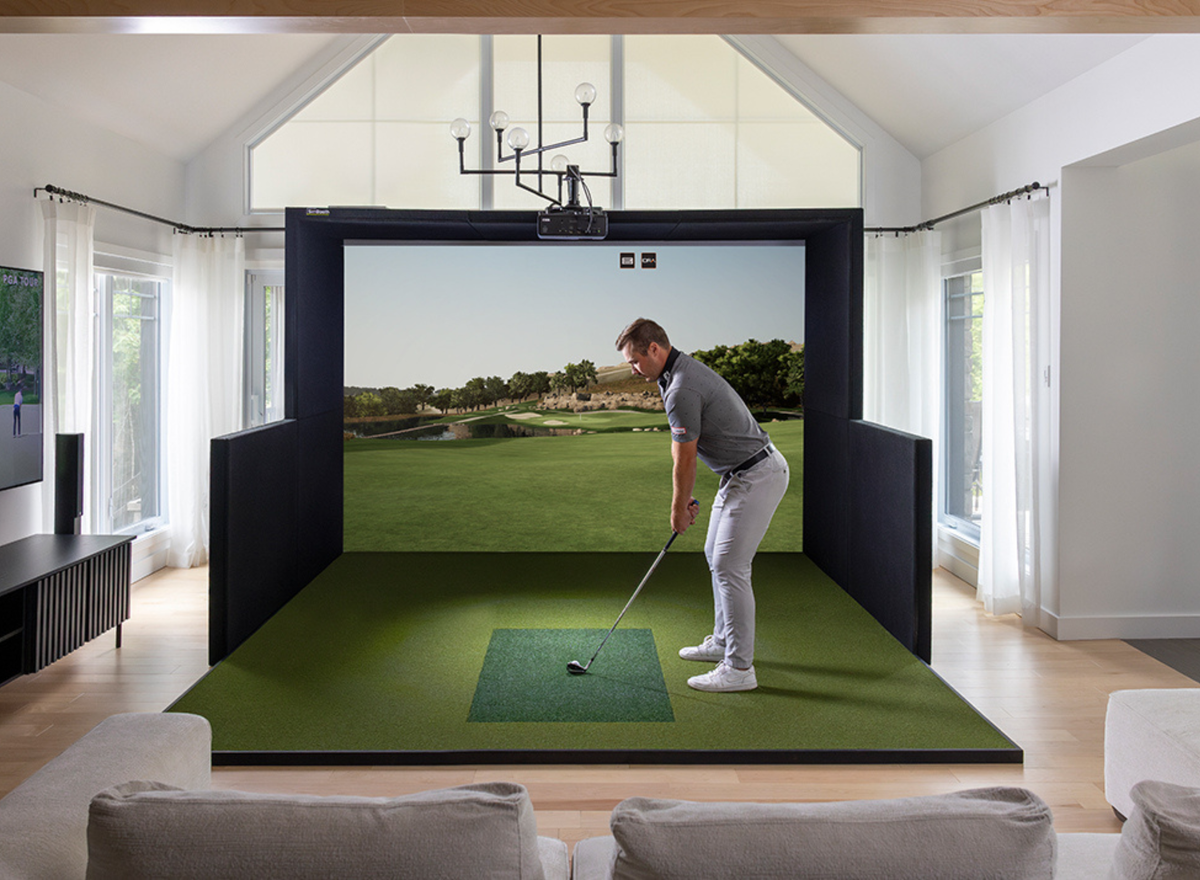
It also matters more if you plan to use a projector, run bigger courses, or move toward a more immersive setup rather than a basic practice station.
When You Might Not Need One
Some launch monitors and software ecosystems can work with iPads, tablets, or less demanding computers. If your goal is mainly practice, shot data, or a simpler setup without demanding graphics, you may not need a dedicated gaming desktop right away.
That can be a good option for golfers starting small, testing the waters, or building around convenience rather than a full simulator room.
Why The Software Usually Decides The Answer
This is the part many buyers miss. You are not really choosing a computer first. You are choosing the software experience first, and the computer follows from that.
Some software is relatively light and flexible. Other software is much more demanding and effectively pushes you toward a proper gaming PC. That is why two golfers with similar budgets can need very different computers.
Start With The Software, Not The Computer
If you start by shopping for a computer before deciding how you want to use the simulator, it is easy to make the wrong call.
Software Is What Drives The Hardware
A golf simulator PC is not just about turning the unit on. It is about whether the computer can run the software you want at the level you expect. A setup meant for simple range sessions has very different needs than one meant for full-course simulator play on a projector.
That is why the best buying decision usually starts with one question: what kind of simulator experience do you actually want?
Some Software Paths Are Much More Demanding
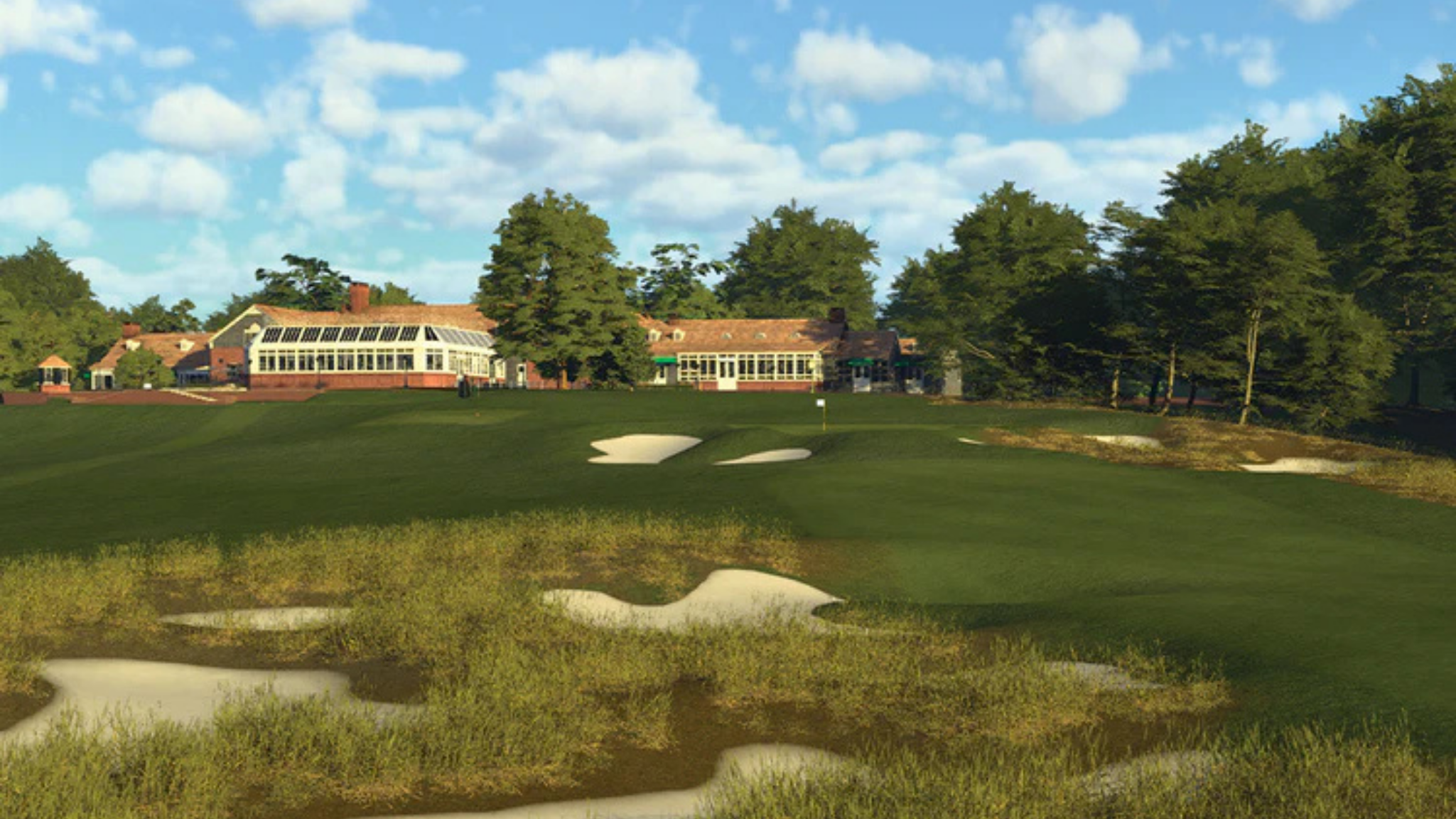
If you want premium simulator software with better visuals, deeper course libraries, and a more polished gameplay experience, a gaming PC usually becomes part of the plan. These software options tend to benefit from stronger graphics performance, more memory, and a better overall system.
For many serious home users, this is the point where a standard laptop or office computer starts to fall short.
Lighter Setups Still Have A Place
Not every golfer needs the most advanced software stack. If you mainly want to hit balls, track numbers, and practise regularly, a simpler path may be enough.
That can make sense for beginners, casual home users, or buyers who want to start with a practical setup and upgrade later once they know how much simulator use they will really get.
What A “Gaming PC” Actually Means In Golf Simulator Terms
The phrase gaming PC can make it sound like you need a flashy, oversized machine built only for video games. That is not really the point.
The Graphics Card Is Usually The Key Part
For many golf simulators, the graphics card matters more than anything else. That is because simulator software is visual, performance-heavy, and often tied to rendering courses, ball flight, and gameplay smoothly.
If the graphics side of the system is weak, the simulator may still run, but the experience can feel choppy, laggy, or limited.
CPU, RAM, And Storage Still Matter Too
The processor helps the system stay responsive. RAM supports smoother performance, especially when software becomes more demanding. Fast SSD storage helps with loading, booting, and general usability.
In plain terms, a golf simulator computer needs balance. A strong graphics card helps a lot, but the rest of the system still has to keep up.
Integrated Graphics Usually Are Not Enough
This is one of the biggest mistakes buyers make. A newer computer does not automatically mean it is powerful enough for simulator use. Many standard laptops and home desktops rely on integrated graphics, which are fine for everyday work but often not strong enough for demanding simulator software.
That is why a “good computer” and a “good simulator computer” are not always the same thing.
Desktop Vs Laptop: Which One Makes More Sense?
This is one of the most practical decisions in the whole setup. Both can work, but they are not equal for every kind of buyer.
Why Desktops Usually Make More Sense
For a permanent home simulator, a desktop is usually the better long-term choice. It typically offers stronger performance for the money, better cooling, easier upgrades, and less strain during longer sessions.
It also fits the way many home sims are used. If the setup is staying in one room, portability usually matters less than performance and flexibility.
When A Gaming Laptop Can Work Well
A gaming laptop can still make sense in the right situation. If you want portability, move the setup between spaces, coach in different locations, or prefer one machine for both work and simulator use, a laptop may be the right compromise.
The trade-off is that gaming laptops often cost more for the same level of performance. They also run hotter and give you fewer upgrade options later.
Why Standard Laptops Often Disappoint
A regular laptop may seem like a budget-friendly solution, but it often becomes a limiting factor once the simulator setup grows. You may find that it runs simpler functions but struggles when the software, visuals, or display demands increase.
That is why many golfers who start with a standard laptop eventually move to a stronger desktop once they want more from the simulator.
What Specs Do You Really Need?
There is no single perfect answer because not every simulator build aims for the same experience.
Entry-Level Needs Are Different From Premium Needs
If your setup is light, practice-focused, and not heavily dependent on demanding simulator software, your computer needs may stay relatively modest. That is especially true if you are not chasing high-resolution visuals or advanced software features.
But once you move into more serious simulator software, projector-based play, or a setup built to last, the required performance usually climbs quickly.
A Safe Starting Point For Many Serious Buyers
For many home simulator users, the safest middle ground is a Windows PC with a dedicated graphics card, a solid modern processor, enough memory to stay comfortable, and fast SSD storage.
This does not necessarily mean buying the most expensive computer you can find. It means buying a system with enough headroom that it does not feel outdated the moment your setup improves.
4K And Premium Visuals Raise The Bar
If you want sharper graphics, larger projected images, and a more immersive visual experience, the PC requirements usually rise. That is where stronger GPUs, more RAM, and a better overall build start to matter much more.
This is also why a buyer who only wants basic range sessions may need a very different computer from someone building a dedicated sim bay with premium software and a projector.
When You Do Not Need A Gaming PC
This is an important part of the conversation because not every buyer needs to spend heavily on hardware from day one.
Tablet And App-Based Setups Can Work
Some launch monitor ecosystems support lighter devices well enough for simple practice, shot tracking, and more casual simulator use. If that matches your goals, a gaming PC may not be necessary at the start.
For many golfers, especially those focused on convenience, this is a perfectly reasonable path.
Practice-First Builds Often Need Less Computer Power
If the main goal is ball data, swing work, and regular home practice, the setup may not need the same level of visual horsepower as a fully immersive simulator room.
That can make lighter hardware a smart choice, especially when the golfer wants function first and theatre-style visuals second.
You Can Start Smaller And Upgrade Later
One of the best things about many home simulator builds is that they can evolve. A golfer might begin with a simpler setup, lighter software, or a more modest display option, then move toward a stronger PC later.
That approach can work well when the goal is to spread out the investment and upgrade the parts that matter most over time.
The Hidden Costs Buyers Miss
The computer question is rarely just about the computer itself. It connects to the rest of the simulator plan.
Display Choice Changes The Demands
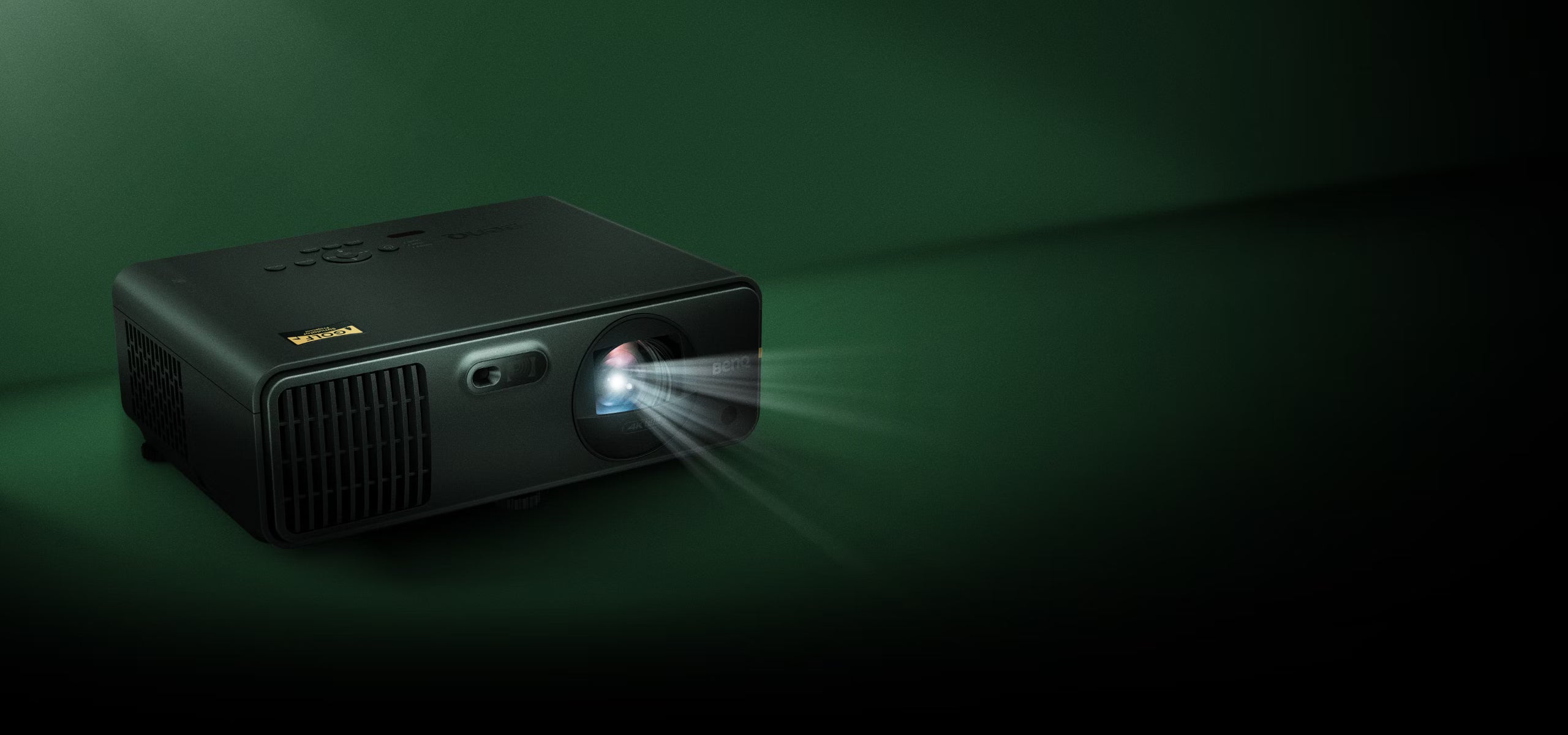
A setup using a simple monitor is not the same as one using a projector. Once you start projecting a bigger image and expecting smooth visuals across a larger display, performance demands usually increase.
That is one reason simulator PC planning should happen alongside projector planning, not after it.
Software Can Quietly Raise Your Budget
Many golfers budget carefully for the launch monitor, mat, net, or enclosure, then realise later that the computer requirement has added another layer of cost.
That does not mean the cost is wasted. It just means it should be part of the plan early, especially if premium simulator software is the goal.
Future-Proofing Usually Pays Off
Buying the absolute minimum computer can sometimes cost more in the long run. If your setup improves, your display changes, or your software goals expand, a system with no headroom can become a bottleneck quickly.
A slightly stronger PC today can save you from replacing the whole thing sooner than expected.
What Makes Sense For Different Types Of Buyers?
The right answer depends on how you plan to use the simulator.
The Budget Home User
If you are starting with a smaller setup, lighter software, and a practice-first goal, you may not need a full gaming desktop on day one. A simpler compatible device or a modest system may do the job.
The key is being honest about expectations. If you want simple and functional, that path can work well.
The Serious Home Simulator Buyer
If you are building a dedicated setup and want smoother course play, stronger visuals, and more flexibility later, a gaming desktop is usually the better choice. It gives you more confidence that the system will keep up as the simulator improves.
For many buyers, this is the best long-term value even if the upfront cost is higher.
The Portable Or Multi-Use Buyer
If you need mobility or want one machine for several roles, a gaming laptop can make sense. It is usually a compromise, but not always a bad one.
It just helps to understand that you are trading some performance-per-dollar and upgrade flexibility for convenience.
Why PinPoint Golf Sims Takes A Compatibility-First Approach
At PinPoint Golf Sims, we do not believe in recommending a gaming PC just because it sounds like the premium answer. We start with what the golfer actually needs.
PinPoint Golf Sims is a Canadian-owned indoor golf shop focused on helping golfers build and upgrade home simulator setups with curated gear and compatibility-first guidance. That means we look at your room, your launch monitor, your software goals, your display plan, and your budget before pointing you toward a PC path.
For some golfers, that means a proper Windows gaming desktop makes the most sense from the start. For others, it means beginning with a lighter setup and upgrading later. The important part is that the parts work together and fit the build you are actually creating.
That is especially important for home and DIY buyers. A simulator should feel practical, not overwhelming. The right computer is the one that supports the experience you want without adding unnecessary cost or limiting the setup too soon.
So, Do You Need A Gaming PC For A Golf Simulator?
Sometimes yes, sometimes no.
If you want a lighter practice setup, certain app-based ecosystems, or a more modest home build, you may not need a dedicated gaming PC right away. But if you want premium simulator software, stronger graphics, smoother performance, and more upgrade flexibility, a gaming PC is usually the smarter answer.
For many serious home simulator buyers, a Windows gaming desktop ends up being the safest long-term path. It offers better performance, easier upgrades, and more confidence that the simulator can grow with your goals.
The main thing is not buying a computer in isolation. It is choosing a computer that fits your software, display, launch monitor, and overall plan. That is how you build a simulator that works well now and still makes sense later.
Frequently Asked Questions
Do You Need A Gaming PC For Every Golf Simulator?
No. Some golf simulator setups can run on tablets, lighter computers, or app-based systems. Others, especially those using more demanding simulator software, are much better with a gaming PC.
Can You Use A Laptop For A Golf Simulator?
Yes, in some cases. A gaming laptop can work well, especially if you want portability. A standard laptop may be enough for lighter use, but it often struggles with more demanding software and better visuals.
Is A Desktop Better Than A Laptop For A Golf Simulator?
Usually, yes. Desktops tend to offer better performance for the price, easier upgrades, and stronger long-term value for dedicated simulator rooms.
What Part Of The PC Matters Most?
For many golf simulator setups, the graphics card is the most important part. It has a major effect on how smoothly the software runs and how good the visuals look.
Can You Start Without A Gaming PC And Upgrade Later?
Yes, many golfers do exactly that. A lighter setup can be a good starting point, especially if your focus is practice first and expansion later.
Do You Need A Powerful PC For A Projector Setup?
In many cases, yes. Projector-based simulator builds often benefit from stronger PC performance, especially if you want better visual quality and a smoother overall experience.
Share:
Golf Simulator Room Size Guide: How Much Space Do You Really Need?
Camera vs Radar Launch Monitors: Which Golf Launch Monitor Is Right for You? (2026 Guide)