

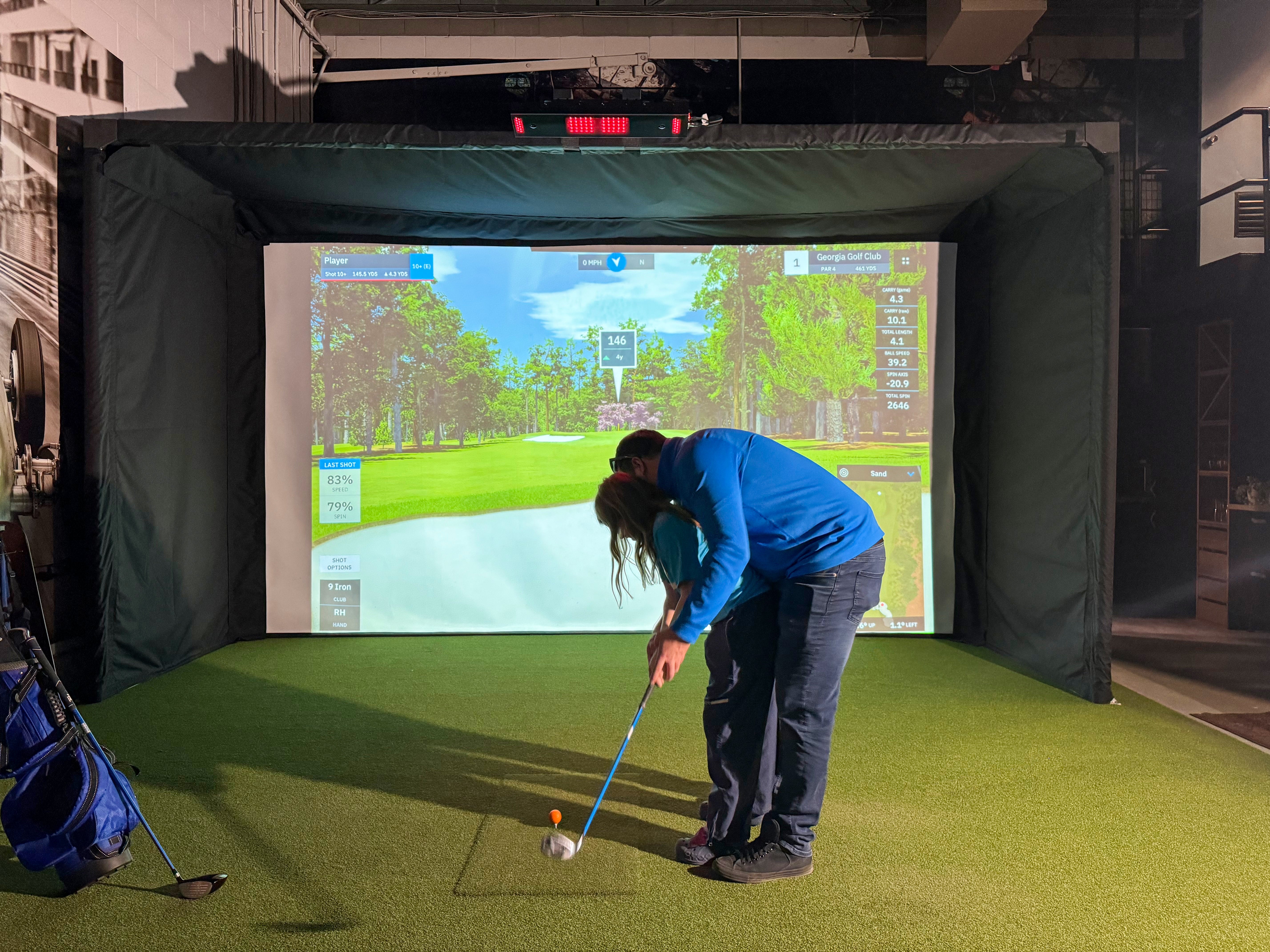
How To Choose The Best Golf Simulator In Canada
Choosing the best golf simulator in Canada isn’t about finding one “perfect” product. It’s about building the right setup for your space, your goals, and how you’ll actually use it during the long Canadian offseason.
Some golfers want a simple practice station in the garage. Others want a full screen-and-projector experience that feels like playing a round. Coaches and serious improvers might care more about club data and consistency than graphics.
This guide breaks it down in practical terms, so you can buy with confidence and avoid the most common (and expensive) mismatches.
Start With Your Goal: Practice, Play, Or Coaching?
Before you compare launch monitors, start with a simple question: what do you want this simulator to do for you?
If you’re clear on your goal, the “best” option becomes easier to spot.
If You Want Better Practice And Real Feedback
Your priorities are accuracy, repeatability, and the right metrics. You want the simulator to tell you what happened on the swing you just made, without random misreads that kill trust.
For most golfers, that means focusing on clean ball data first. Club data can be a bonus, but it doesn’t need to be your starting point if you’re mainly working on contact and ball flight.
If You Want Course Play And Family Fun
You’ll care more about how the simulator feels to use. Quick shot display, easy software navigation, and a setup that doesn’t require constant tinkering matter a lot when multiple people are playing.
A smooth experience keeps the simulator fun. A finicky experience tends to get ignored after the initial excitement.
If You’re A Coach Or Training Pro Building A Personal Bay
Coaching setups benefit from reliable club data, consistent reads, and clear feedback you can use in a lesson. The simulator becomes a tool you use over and over, often with different players and different swing speeds.
In this case, you’re often paying for confidence. When the data is consistent, coaching becomes simpler.
Measure Your Space First (It Saves Money)
Space is the most overlooked part of buying a simulator. It’s also the biggest reason people end up returning products or rebuilding their plan halfway through.
A launch monitor might look perfect on paper, but if your room is tight, the technology type, mounting options, and even software choices can change.
The Practical Minimums Most Home Setups Need
Most home builds aim for these general comfort targets:
Ceiling height: around 9–10 ft is commonly recommended for swinging a driver comfortably
Width: around 10–12 ft gives most golfers a safe swing zone
Depth: 15+ ft is often comfortable when you include space behind the hitting area and distance to the net/screen
Those aren’t strict rules. They’re a practical starting point. Some spaces work well below that with the right plan, while others feel cramped even if they meet the numbers.
The “Driver Test” And Why It Matters
Before you buy anything expensive, do a simple test.
Stand where you’d place your hitting mat. Take a slow practice swing with your longest club. Do it in the shoes you’ll wear in the simulator. Pay attention to your follow-through and where your hands travel, not just the clubhead.
If you feel like you’re protecting the walls or ceiling, your body will change how you swing. That makes the simulator less enjoyable and less useful.
Garage And Basement Setups In Canada
Canadian spaces are often multi-use. Garages still have cars. Basements become gyms, storage, or family spaces.
If your sim area needs to retract, fold, or share space, plan for that from day one. Retractable enclosures and simple net setups can be a smart fit for garages and shared rooms.
Also consider comfort. Cold hands and stiff bodies don’t make practice better. If you’re in an unheated garage, think about warming the space enough to make practice realistic.
Choose Radar Vs Camera (The Biggest Fork In The Road)
Once your space and goals are clear, the next decision is technology: radar or camera.
Neither is automatically “better.” Each fits different rooms and different expectations.
Radar Launch Monitors: Best For Versatility And Value
Radar units are popular because they’re portable and work well outdoors. They can be a strong value option for golfers who want flexibility between garage practice and the driving range.
Radar tends to reward good setup. Alignment, placement, and having enough ball flight can affect results. In a tighter indoor room, radar may require more care and consistency to get the best performance.
Radar is often a great “starter” choice when you’re building a budget-friendly setup and want something you can move easily.
Camera Launch Monitors: Best For Indoor Accuracy And Club Data
Camera-based systems (often called photometric) capture impact details using high-speed imaging. In many indoor environments, this approach can feel more consistent because it’s measuring what happens right at impact.
That’s why camera-based options are often favoured for dedicated indoor use, especially if you care about deeper club data and tight feedback loops.
Camera systems still need good setup and correct placement, but they’re often less dependent on long ball flight in the room.
Hybrid Systems And What “Accuracy” Really Means
Accuracy isn’t one number. It’s a collection of measurements that can matter differently depending on your goal.
For example, a casual player might care most about ball speed, launch, and carry. A serious improver might care about spin and face-to-path relationships. A coach might care about repeatability across different players.
When you read “accuracy” claims, ask a better question: accurate for which metrics, in which environment, with what setup?
Decide What Data You Actually Need (And What You Don’t)
It’s easy to get pulled into spec lists. More metrics sound better, but most golfers don’t use all of them.
The best simulator is the one that gives you the data you’ll actually act on.
Ball Data Essentials For Most Golfers
If you want better practice, these metrics are often enough to drive improvement:
Ball speed
Launch angle
Launch direction
Spin (or a reliable spin estimate)
Carry distance
When these are consistent, you can train with confidence. You can work on contact, launch, and basic shot shape without drowning in numbers.
Club Data: When It’s Worth Paying For
Club data is valuable when you’re working on mechanics and want specific feedback on what your club is doing at impact.
Metrics like club path, face angle, and angle of attack can be extremely useful for coaches and serious golfers. But they’re not mandatory for everyone.
A practical way to decide: if you’ve never used club data before, start with ball data and upgrade later if you find you’re hungry for more detail.
Don’t Pay For Metrics You Won’t Use
A simulator can be expensive. You don’t need to “max out” the purchase to make it worthwhile.
If your goal is to practice twice a week through winter and have fun playing rounds, your best choice might not be the one with the longest feature list.
Set A Realistic Budget (Total System Cost, Not Just The Monitor)
One of the most common mistakes is budgeting for the launch monitor only. A simulator is a system, and the rest of the system is where costs add up.
Here’s a simple view of how budgets typically land in Canada.
Typical Budget Bands In Canada (CAD)
|
Budget Level |
Typical Total Range |
Best For |
|
Entry |
$2,000–$5,000 |
Portable monitor + net + mat, practice-first |
|
Mid-Range |
$5,000–$15,000 |
Full home sim with screen/enclosure + projector |
|
Premium |
$15,000–$30,000+ |
High-end monitor, stronger visuals, deeper data |
|
Luxury/Custom |
$30,000–$50,000+ |
Dedicated room build, premium everything |
These are general ranges, but they help set expectations.
Hidden Costs People Miss
Most home builds need at least a few “support” items:
Software fees or subscriptions (depending on platform)
A capable computer (if your software requires it)
Projector mounting hardware and cable management
Room protection (side nets, foam tiles, ceiling protection)
A better hitting mat than the cheapest option
The simplest way to stay on budget is to decide your experience level early: net setup vs full screen-and-projector bay.
Pick Your Software First (It Affects Everything)
Software isn’t just “the game.” It influences hardware requirements, computer needs, ongoing costs, and how enjoyable the simulator feels day to day.
If you already know what software experience you want, it can guide your launch monitor choice instead of the other way around.
What To Check Before You Commit
Ask these practical questions:
Does this software run on a tablet, or does it require a PC?
Are there annual fees, or is it a one-time licence?
Is it better for course play, practice modes, or both?
Will it support multiple players and left/right-handed use?
A simulator that’s technically accurate can still feel frustrating if the software experience doesn’t fit your style.
The “Feel” Factors: Graphics, Latency, And Ease Of Use
In a home environment, usability matters. If it takes 10 minutes to start a session, you’ll practice less.
Look for an experience that feels smooth and simple. That might mean fewer features, but better consistency.
Build The System: The Components That Make It Work
Once you’ve chosen your launch monitor direction and budget, build the rest of the setup around it.
This is where a lot of “best simulator” decisions are won or lost. The monitor is the brain, but the room is the body.
Impact Screen Or Net: Which One Fits Your Space?
A net setup is a great starting point when you want flexibility and a lower cost of entry. You can still get excellent practice value and use a phone, tablet, or TV for display.
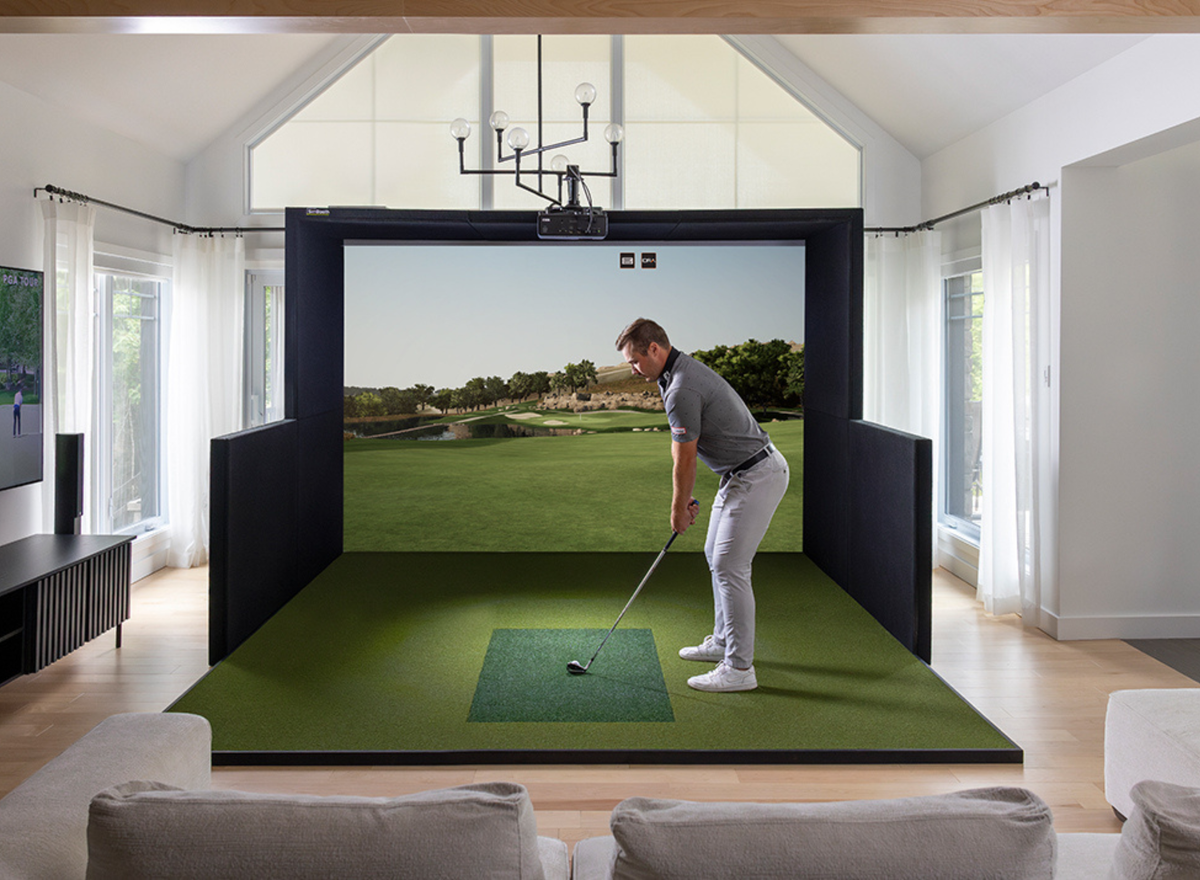
An impact screen and enclosure make sense when you want a true simulator experience. You get the projected course view, a cleaner look, and a more contained hitting zone.
A simple rule: if you want the simulator to be an entertainment space, screens and projectors usually win. If you want a practical training station, a net setup can be perfect.
Enclosure Choices: Fixed Vs Retractable
Fixed enclosures are ideal when the simulator space is dedicated. They look clean and feel permanent.
Retractable options are great when your simulator shares a room. In a Canadian garage, that flexibility can be the difference between using the sim all winter or only “sometimes.”
Choose the enclosure based on how you live, not just what looks best in photos.
Hitting Mat And Turf: Where Comfort And Safety Live
Your hitting mat matters more than most people expect.
A mat that feels harsh or inconsistent can lead to discomfort and shortened sessions. A better mat makes practice more enjoyable and more sustainable.
If you’re choosing where to spend for quality, the mat is often a smart place to do it. It affects every swing you take.
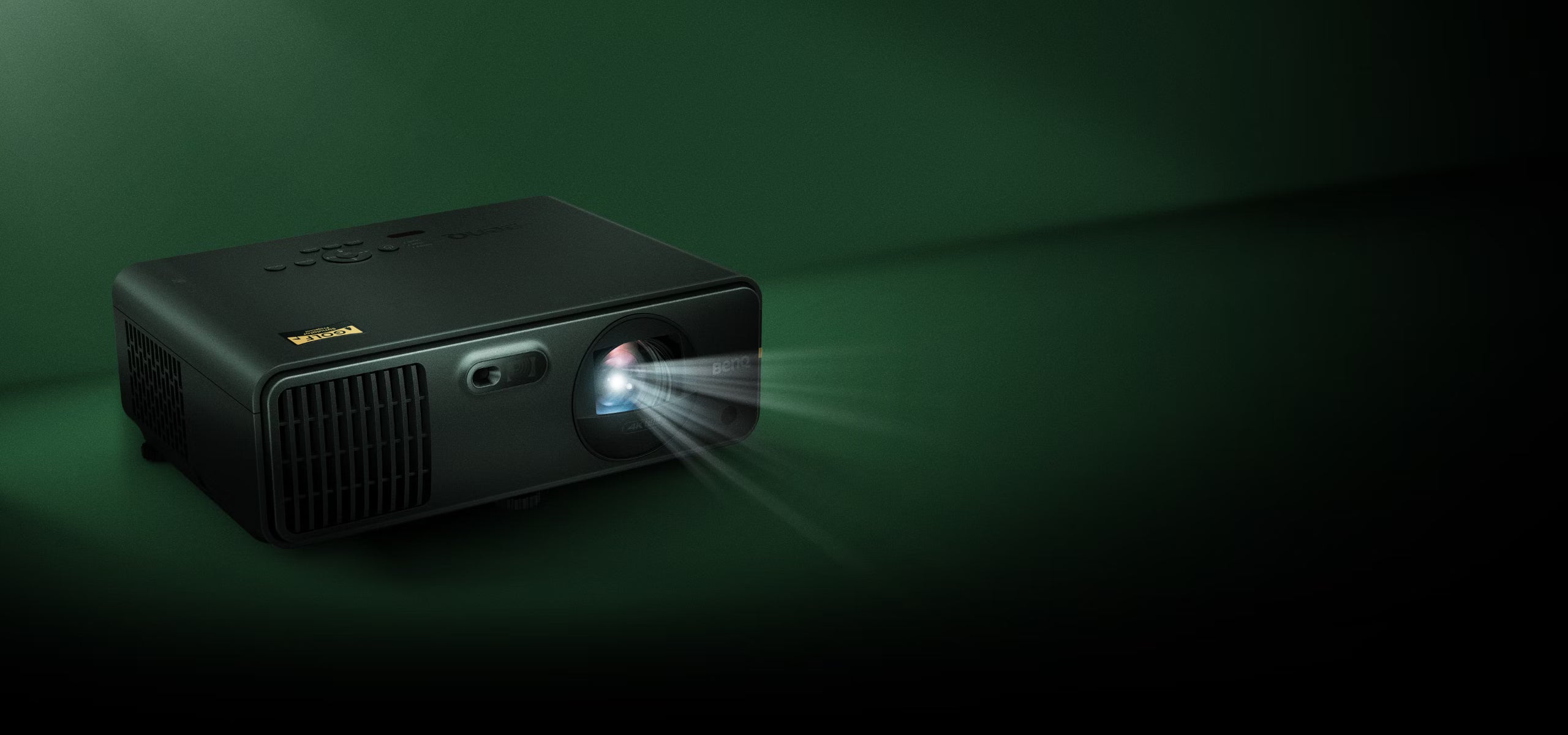
Projector Basics: Short Throw, Brightness, And Mounting
If you’re going projector-based, short-throw models are common for home simulators because they reduce shadows and fit tighter rooms.
Brightness and placement matter. A projector that looks great in a dark room may feel washed out in a brighter space. Mounting is also part of the experience. A shaky mount or messy cabling can make a simulator feel unfinished.
Keep this part simple: choose a projector that fits your throw distance, then mount it cleanly and safely.
The PC Question: “Will My Computer Run This?”
Some simulator software runs fine on a simple device. Other software benefits from a proper gaming-level PC or laptop with a strong graphics card.
If you’re aiming for smooth visuals and a stable experience, plan for the computer early. It’s often the difference between “works” and “feels great.”
A Quick “Choose Your Setup” Guide
If you want decision shortcuts, these are reliable starting points.
Best If You Have A Tight Space
Tight spaces benefit from plans that minimise complexity. Camera-based options can be a strong fit indoors, paired with compact enclosures and a projector that works at short distances.
If you can’t comfortably swing a driver, consider whether a practice-first setup makes more sense before you build a full bay.
Best If You Want Portability (Garage + Range)
Portable radar units are often popular here. They’re easy to move, useful outdoors, and can deliver great practice value with the right indoor setup.
This is a common path for Canadian golfers who want flexibility and a lower initial spend.
Best For Serious Training And Club Data
If your goal is deep improvement and you want to understand face/path relationships, club data becomes more valuable.
This often points toward camera-based systems and a more stable indoor setup where alignment and positioning are repeatable.
Best For Families And Entertaining
When the simulator is going to be used by different people, ease of use matters most.
Choose a setup that starts quickly, feels intuitive, and doesn’t require constant recalibration. A smoother experience gets used more.
Common Buying Mistakes (And How To Avoid Them)
Most simulator regrets come from skipping the basics.
One common mistake is buying a launch monitor before measuring the room. The second is building around a monitor without thinking about software, projector placement, and computer needs.
Another common issue is going too cheap on the mat. If practice isn’t comfortable, the simulator becomes a decoration instead of a tool.
Finally, many buyers underestimate room protection. Walls and ceilings get hit. A bit of planning prevents damage and keeps the space enjoyable.
If you want a simulator you’ll use consistently, focus on comfort, safety, and a plan that fits your daily life.
Where PinPoint Golf Sims Fits
PinPoint Golf Sims is built for Canadian buyers who want a simpler way to shop for indoor golf.
We focus on curated gear, Canada-first buying in CAD, and practical setups for homeowners, DIY builds, training professionals, and golfers upgrading existing simulators. We’re not here to overwhelm you with endless options.
If you know your room size and budget range, you can build a compatible setup fast using our Bundle Builder. If you’re unsure, reach out and we’ll help you choose a direction that makes sense.
FAQs
What Is The Best Golf Simulator In Canada For A Garage?
For garages, many golfers prefer portable setups that can be packed away or used outdoors in summer. A net-based setup paired with a portable launch monitor is often a practical starting point.
How Much Ceiling Height Do I Need For A Golf Simulator?
A common recommendation is 9–10 feet for comfortable driver swings, but it depends on your height, swing, and the room layout. Always do a real “driver test” before committing.
Radar Vs Camera: Which Is Better Indoors?
Camera-based systems are often a strong fit for indoor use because they measure impact details directly. Radar can also work indoors, but it may be more sensitive to alignment and available ball flight.
Do I Need A Projector, Or Can I Use A Net?
You don’t need a projector to get value from a simulator. If your goal is practice and feedback, a net setup with a tablet/TV display can be excellent. Projectors are for the full immersive “play on the screen” experience.
What’s A Realistic Golf Simulator Budget In Canada?
Entry home setups often land around $2,000–$5,000 CAD, while full home simulators with screens and projectors commonly land in the $5,000–$15,000 CAD range. Premium builds can exceed $15,000 CAD.
What Software Should I Choose For Home Use?
Choose based on how you’ll use the simulator: course play, practice modes, or coaching. Also consider whether it requires a PC and whether there are ongoing subscription fees.
Can A Golf Simulator Work For Left-Handed And Right-Handed Golfers?
Yes, but it depends on the room width and the launch monitor setup. If you need both left and right-handed play, plan your space and placement carefully.
What Should I Upgrade First On An Existing Simulator Setup?
The fastest “feel” upgrades are often the hitting mat, projector, or screen/enclosure. If performance is an issue, a stronger PC can also make the experience smoother and more reliable.
Share:
Golf Simulator Cost In Canada: Budgets, Parts, Real Prices
How Accurate Are Golf Simulators?