


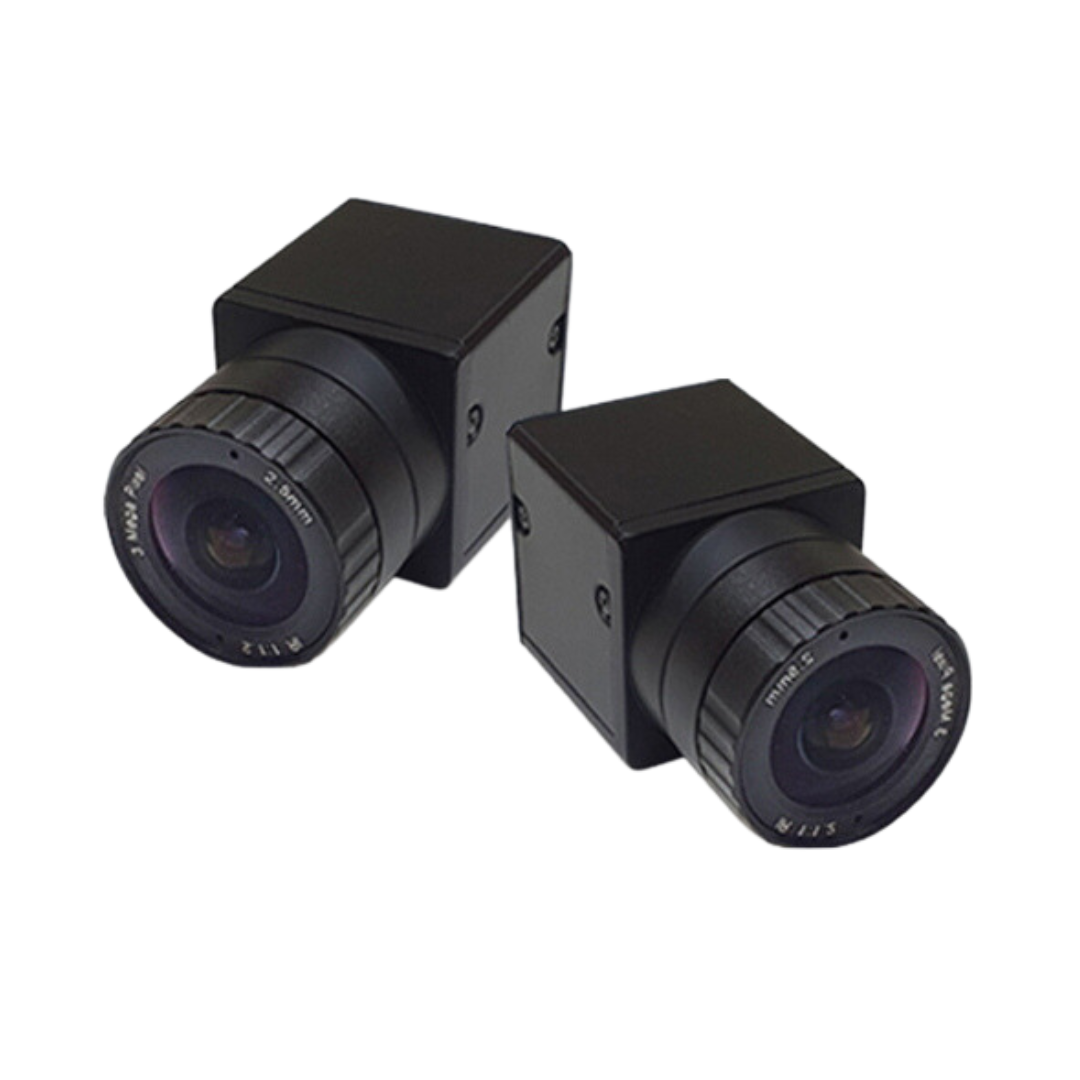

Uneekor EYE XR + Swing Optix
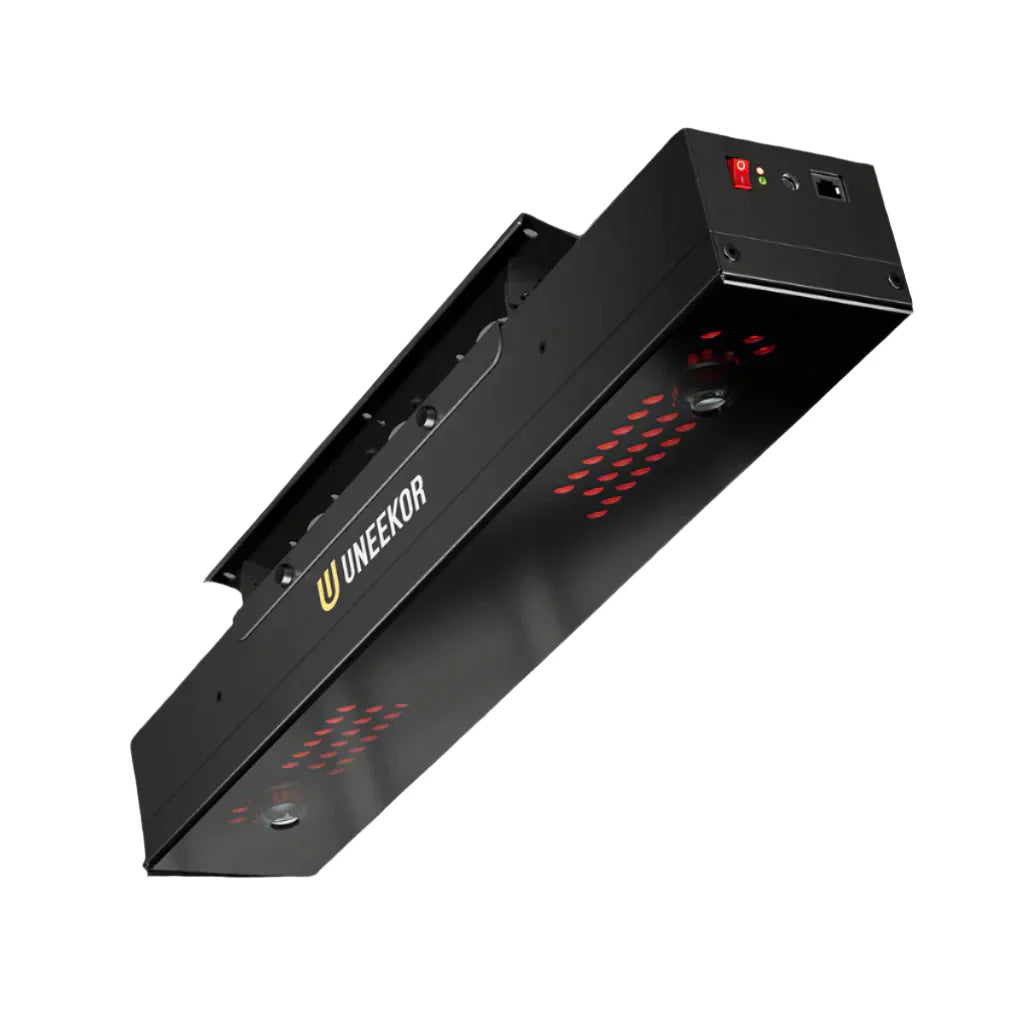
The EYE XR is the perfect fusion of rear-mounted freedom and advanced infrared precision, designed for golfers who demand accuracy, safety, and performance. Its compact, sleek design and high-speed tracking technology deliver elite-level data analysis without compromise.
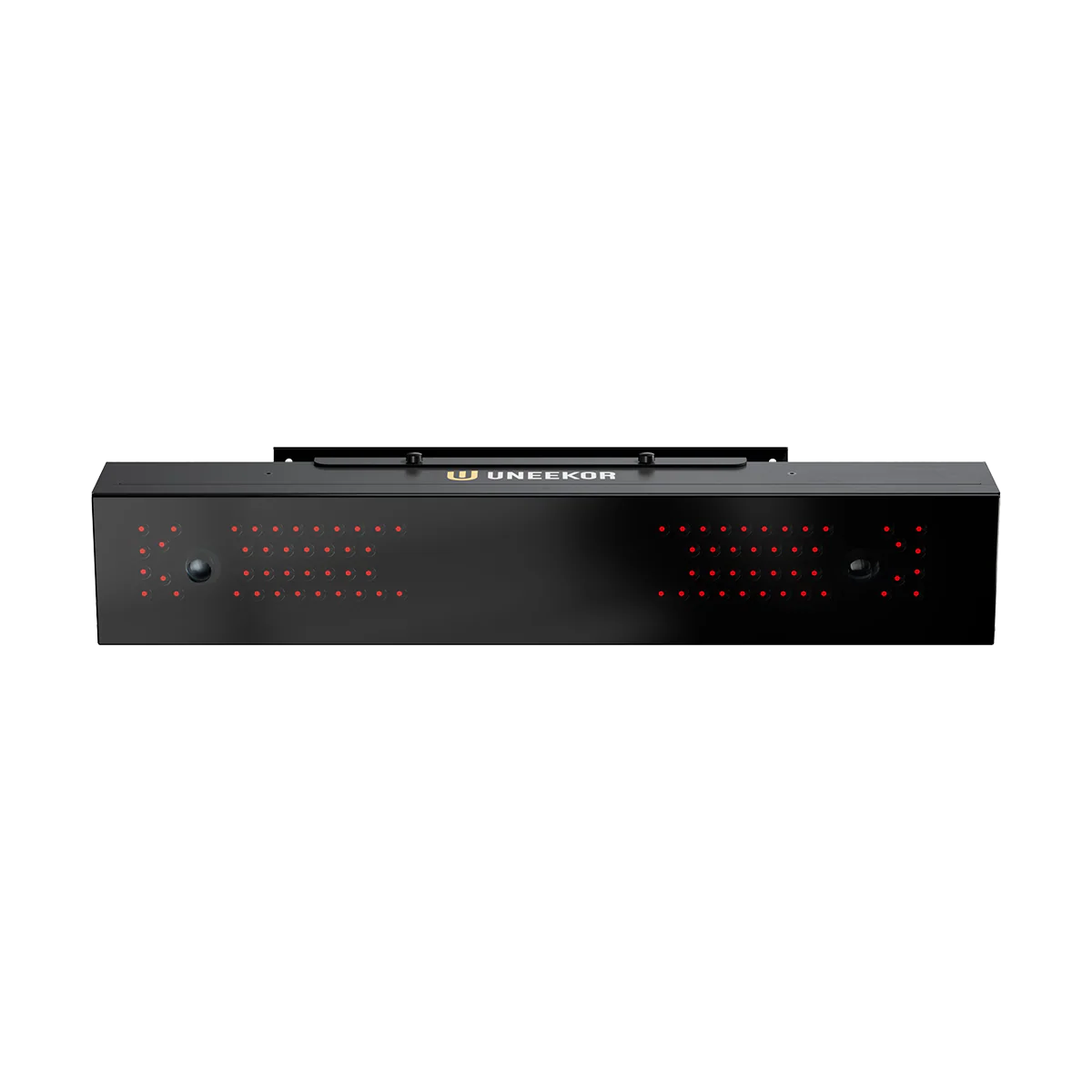
The Uneekor EYE XR is a rear-mounted overhead launch monitor built for golfers who want a clean hitting area, reliable indoor performance, and detailed ball and club data without floor-unit clutter.
It is a strong fit for dedicated home simulator bays, coaching spaces, and golfers upgrading from a more basic indoor setup. With dual-camera infrared tracking, sticker-free ball use, and included club data, the EYE XR delivers a premium Uneekor experience in a compact rear-mounted design.
Why Choose The Uneekor EYE XR?
The EYE XR is designed for golfers who want overhead convenience with serious feedback and a more permanent simulator setup.
- Rear-Mounted Freedom: Mounts behind the hitting area to keep the floor clear and reduce the chance of accidental contact.
- No Marked Balls Required: Play with the ball you trust while still getting precise ball data.
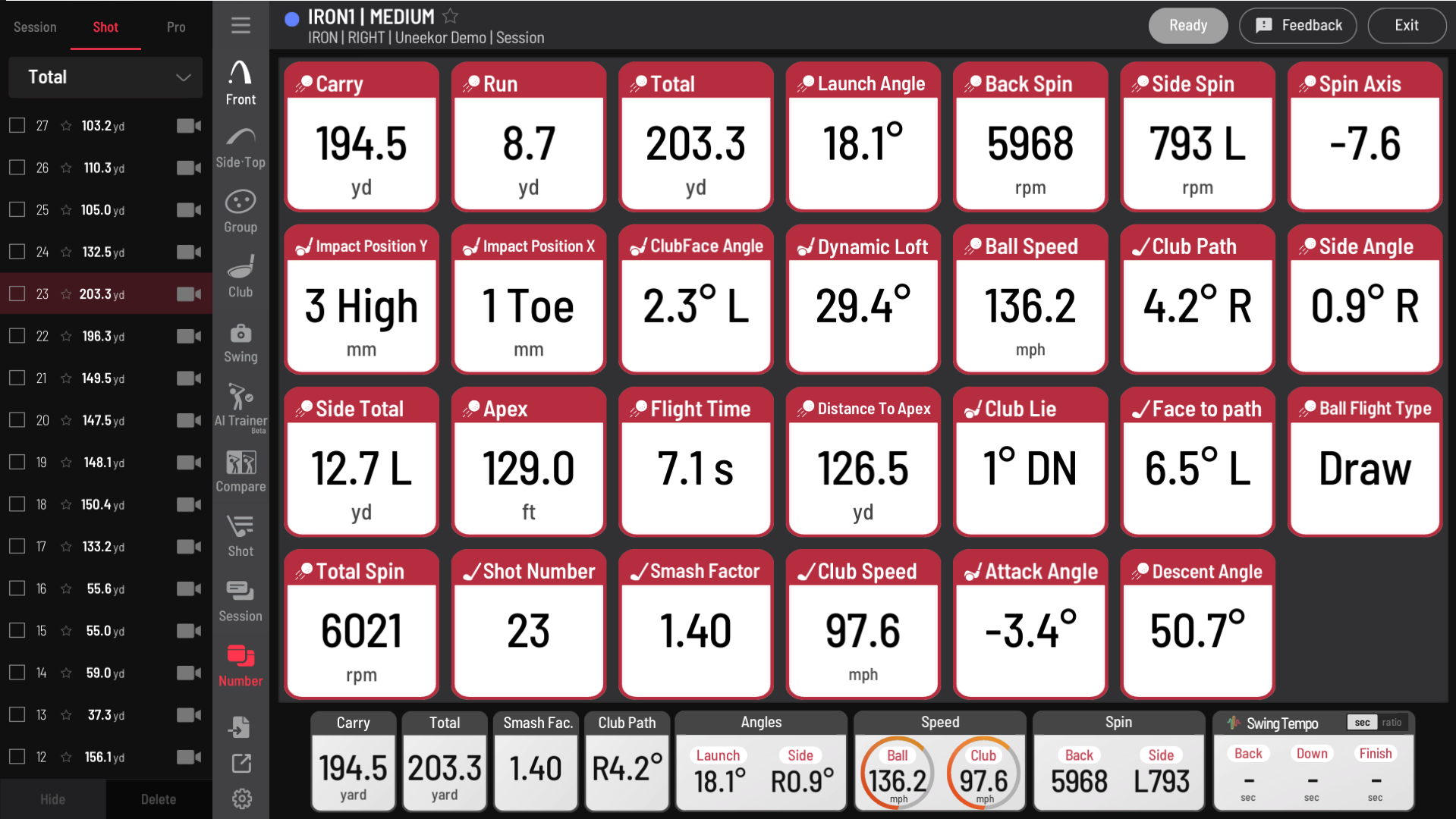
- Club Data Included: Get ball and club feedback right out of the box.
- Built For Indoor Sim Bays: Best suited for permanent home or coaching setups.
-
Third-Party Software Path: Compatible with leading sim platforms with the right Uneekor software package.
Specifications & Features
Core Specifications
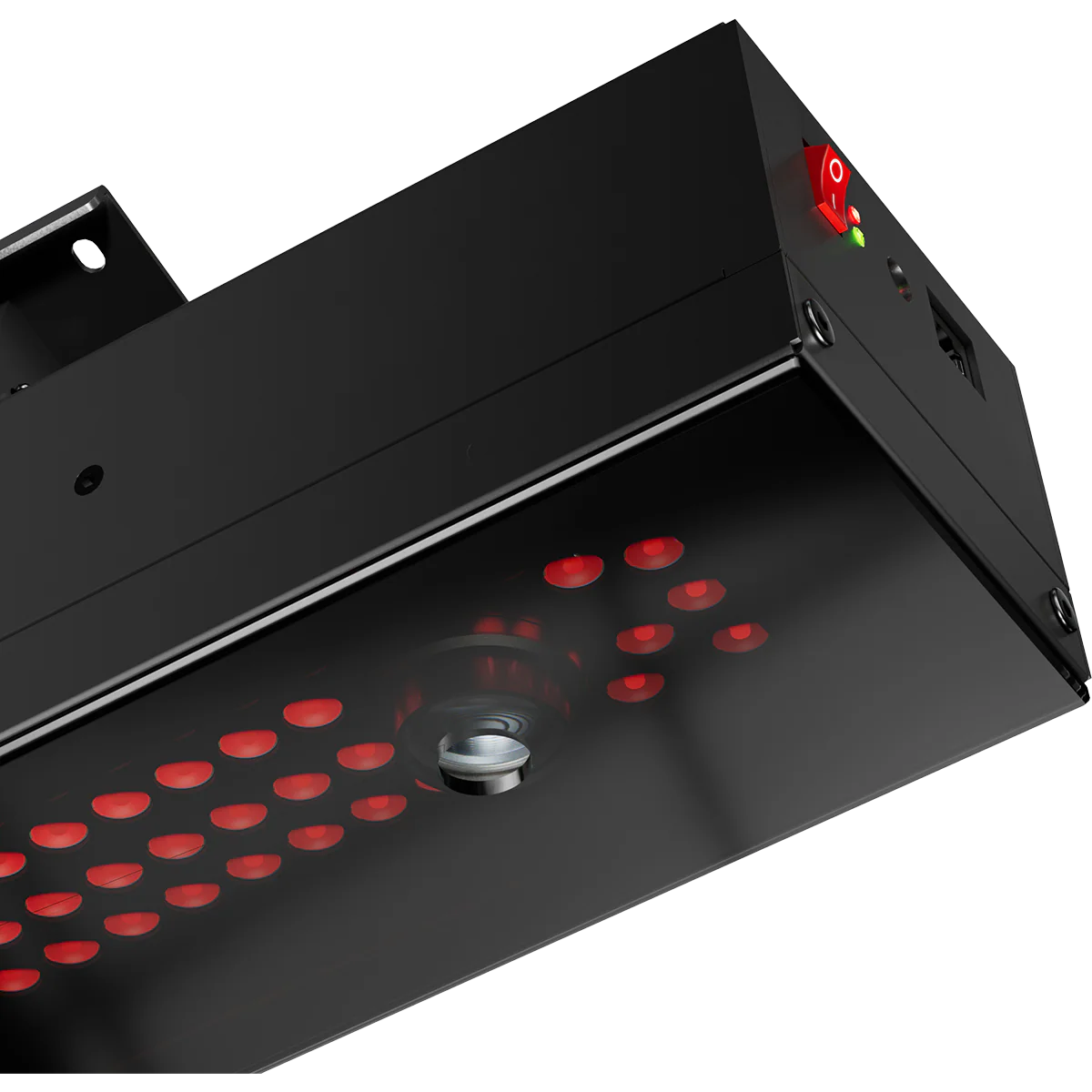
- Cameras: Two (2)
- Hitting Zone: 13.7" W x 11.8" L
- Data Points: 19
- Ball Type: Any
- Placement: Rear Overhead
- 3rd Party Compatibility: Yes
- PC Required: Yes
- Trouble Mat Compatible: No
- Club Data Included: Yes
Dimple Optix
Dimple Optix captures the dimples of any golf ball at high speed to deliver precise ball data without requiring marked balls. It is a simple, premium setup for golfers who want flexibility and accurate feedback.
Club Optix
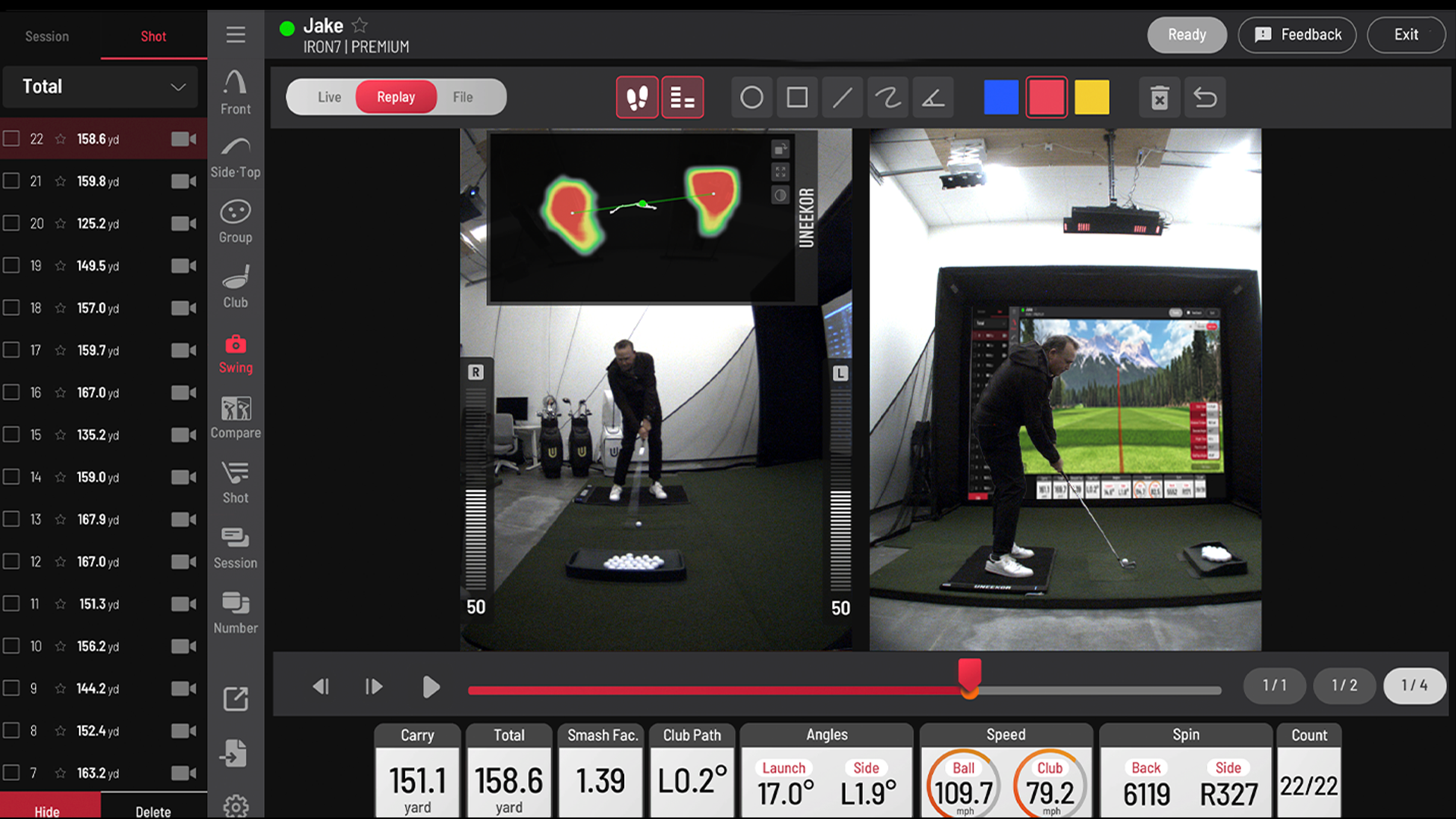
Club Optix gives you instant visual feedback at impact so you can better understand strike location and club delivery shot after shot.
VIEW Software
VIEW is Uneekor’s driving range software and is included with the Player Package. It gives you ball and club data, shot replay tools, reports, and a strong day-to-day practice experience.
REFINE / REFINE+
REFINE brings simulator golf, practice modes, and realistic course play into your setup. REFINE+ expands access to more premium course content and simulator features with the right subscription tier.
Third-Party Compatibility
With the appropriate Uneekor software package, the EYE XR can connect to leading third-party simulator platforms including GSPro, E6 Connect, Creative Golf, ProTee Play, and TGC 2019.
Software & Subscription Overview
The Uneekor EYE XR includes the Player Package and a 3-month Ultimate trial.
What’s Included?
The Player Package includes:
- Ball data
- Club data
- VIEW driving range software
- One player profile
-
Core reports and practice tools
When You Need A Paid Subscription?
If you want more than the included Player Package, Uneekor offers upgrade paths:
-
Pro Package: Unlocks third-party software and REFINE
-
Champion Package: Adds REFINE+ and AI Trainer access
-
Ultimate Package: Adds GameDay
Please note:
-
AI Trainer requires Swing Optix cameras
- GameDay requires two displays
Best Fit For
The EYE XR is best for golfers who want a permanent indoor setup with premium overhead convenience.
It is a great fit for:
-
Dedicated home golf simulator bays
-
Golfers who want a clean floor setup
-
Coaches and serious practice users
-
Buyers who want overhead performance without stepping up to the EYE XO2
-
QED users looking for a more refined upgrade path
It may not be the best fit if you need portability, trouble mat compatibility, or the larger hitting zone of the EYE XO2.
Room Fit & Mounting Notes
The Uneekor EYE XR is designed for indoor use only and works best in a dedicated simulator space.
Mounting Style
The EYE XR mounts behind the hitting zone in a rear overhead position. This helps keep the hitting area open and creates a cleaner simulator bay layout.
Ceiling Height
A room with around 9' to 10' ceilings is a practical starting point for many home setups, but exact fit depends on your swing, room layout, and mounting plan.
Why Rear Mounting Matters
Rear mounting is appealing for home simulator builds because it keeps hardware out of the player’s line, reduces floor clutter, and supports a more permanent bay setup.
Extras & Add-Ons
Complete your Uneekor EYE XR simulator build with the gear that matters most for compatibility and performance.
Recommended add-ons include:
-
Simulator-ready computer
-
Projector
-
Enclosure and impact screen
-
Hitting mat and turf
-
Swing Optix cameras
-
Mounting and cabling essentials
If you plan to use AI Trainer, Swing Optix cameras are required.
Computer Requirements
The EYE XR requires a Windows PC.
Minimum PC Requirements
-
CPU: Intel i5 8400
-
RAM: 16GB
-
GPU: GeForce GTX 1060
-
Operating System: Windows 10 (64-bit only), Version 1803 or higher
Recommended PC Specifications
-
CPU: Intel i7 or higher, 10th generation or later
-
RAM: 16GB or more
-
GPU: NVIDIA RTX 30 series or newer
-
GPU Memory: 16GB or more
-
Hard Drive: 200GB or more of available space
-
Operating System: Windows 11 (64-bit only)
If you plan to run third-party software or a higher-resolution projector setup, the recommended PC is the safer choice.
Shipping & Return Policy
Shipping
See estimated delivery times by brand on our Shipping Information page.
Return Policy
Returns and warranty coverage vary by brand. See our Returns & Warranty page for full details before ordering.
Why Buy From PinPoint Golf Sims?
PinPoint Golf Sims is a Canadian-owned indoor golf shop focused on helping golfers build and upgrade home simulator setups with curated gear and compatibility-first guidance.
For a product like the Uneekor EYE XR, that means helping you match the launch monitor to the right room, software path, simulator computer, and overall build. No clutter, no filler, just practical guidance for Canadian home simulator buyers.
FAQs
Does The Uneekor EYE XR Need A PC?
Yes. The EYE XR requires a Windows PC to run Uneekor software and supported simulator platforms.
Is Club Data Included With The EYE XR?
Yes. Club data is included with the EYE XR.
Does The EYE XR Require Marked Balls Or Club Stickers?
No marked balls are required. The EYE XR uses Dimple Optix technology to read ball data with any golf ball.
Does The Uneekor EYE XR Work With GSPro?
Yes, with the appropriate Uneekor software package, the EYE XR supports GSPro.
Do I Need A Subscription To Use The EYE XR?
The EYE XR includes the Player Package, but some features and third-party software access require a higher Uneekor subscription tier.
Is The EYE XR Good For A Home Golf Simulator?
Yes. It is a strong fit for dedicated indoor home simulator bays, especially for golfers who want a clean overhead setup and detailed feedback.
What Ceiling Height Do I Need For The EYE XR?
A room around 9' to 10' high is a practical starting point for many builds, but your exact fit depends on your swing and room layout.
Is The EYE XR Portable?
No. The EYE XR is designed as a permanent rear-mounted overhead launch monitor for indoor use.
Does The EYE XR Work With Trouble Mats?
No. The EYE XR is not trouble mat compatible.
What Is The Difference Between The EYE XR And EYE XO2?
The EYE XR is a rear-mounted overhead unit built around clean-bay convenience and premium indoor feedback. The EYE XO2 offers a larger hitting zone and is better suited to buyers who want more hitting flexibility in a premium overhead setup.
Pairs well with
In stock! Ships within 5-10 business days
Easy setup with clear instructions
Trusted by golfers worldwide
Fast and reliable shipping in Canada
Uneekor EYE XR + Swing Optix
If you have any questions, you are always welcome to contact us. We'll get back to you as soon as possible, within 24 hours on weekdays.
-
Shipping Information
Use this text to answer questions in as much detail as possible for your customers.
-
Customer Support
Use this text to answer questions in as much detail as possible for your customers.
-
FAQ’s
Use this text to answer questions in as much detail as possible for your customers.
-
Contact Us
Use this text to answer questions in as much detail as possible for your customers.
Product details
Specifications & Features
Cameras: Two (2)
Hitting Zone: 13.7" W x 11.8" L
Data Points: 19
Ball Type: Any
Placement: Rear Overhead
3rd Party Compatibility: Yes
PC Required: Yes
Trouble Mat Compatible: No
Club Data Included: Yes
Dimple Optix: Dimple Optix lets you play with the ball you trust and get precise ball data, thanks to our patented technology. Our advanced camera system captures the dimples of any golf ball at high frame rates, delivering unmatched accuracy. Gain clear insights into your ball’s flight and spin.
Club Optix: This powerful visual tool captures every moment of contact and provides immediate feedback on your strike. By analyzing each shot visually, Club Optix helps you understand your impact in real time.
VIEW: Your personal driving range. Unleash your potential with our most popular software, included as standard. Enjoy an immersive experience that lets you analyze ball and club data, view swing replays, generate reports, and more, as you train to improve your game.
REFINE/REFINE+: Experience the luxury of your own personal golf resort every time you practice. Challenge yourself with short game drills or play on beautiful, realistic golf courses with this premier simulation. REFINE+ expands your access to additional world-class courses.
Third Party Compatibility: Broaden your horizons and easily experience hundreds of 4K golf courses with whichever software works best for you. Compatible with: GSPRO, E6, and TGC 2019.
Extras & Computer Requirements
Finish your simulator build with essential gear — explore our enclosures, projectors, and computers to bring it all to life.
Computer Recommended Specifications:
- CPU: Intel i7 or higher, 10th generation or later
- RAM: 16GB or more
- GPU: NVIDIA RTX 30 series or newer
- GPU Memory: 16GB or more
- Hard Drive: 200GB or more of available space
- Operating System: Windows 11 (64-bit only)
Computer Minimum Specifications:
- CPU: Intel i5 8400
- RAM: 16GB
- GPU: GeForce GTX 1060
- Operating System: Windows 10 (64-bit only), Version 1803 or higher
Shipping & Return Policy
Shipping
See estimated delivery times by brand on our Shipping Information page.
Return Policy
Learn about returns and warranty policies on our Returns & Warranty page.
100% Canadian Owned & Operated